Know what changed, and when.
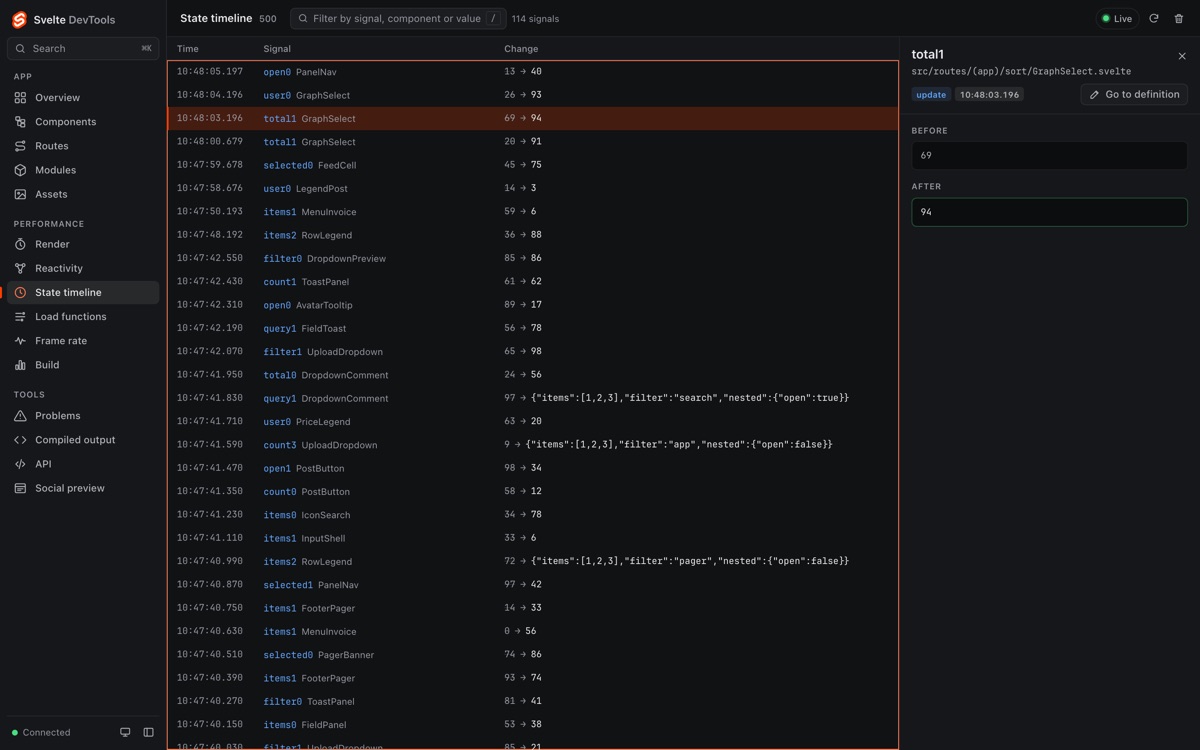
Recent $state writes, newest first, with the value before and after. The log keeps the latest entries, not the whole session.
Dev-mock mode with synthetic data, before the reactivity update.
Svelte 5 · SvelteKit · Vite
Components, reactivity, routes and compiled output in one DevTools UI, served by your Vite dev server.
npm install -D vite-devtools-svelte Requires vite-devtools-svelte ≥ 0.4.0. Versions up to 0.3.x are documented to
run inside @vitejs/devtools.
What you can see
The panels read your running app and your project while the dev server runs. Production builds are unaffected.
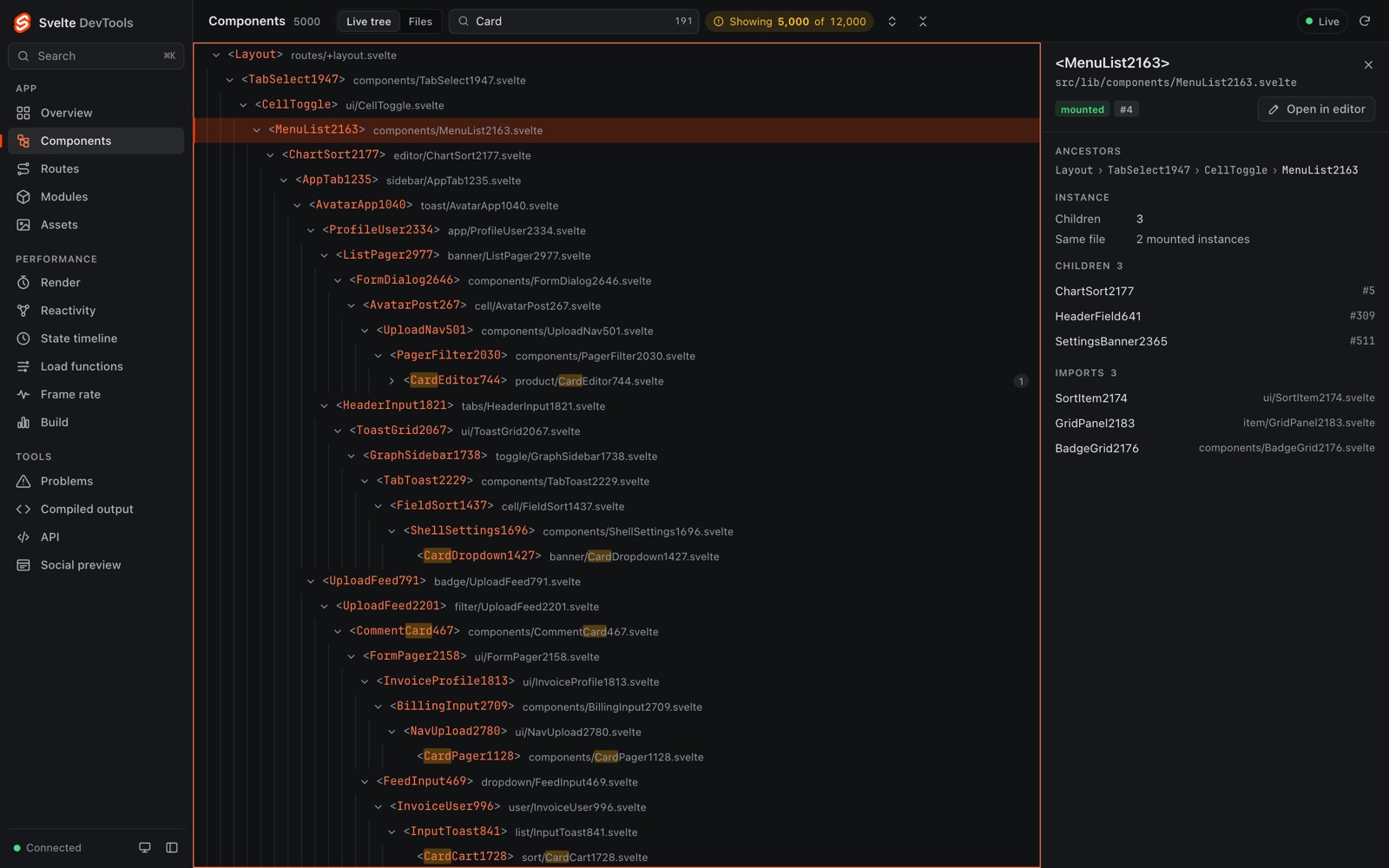
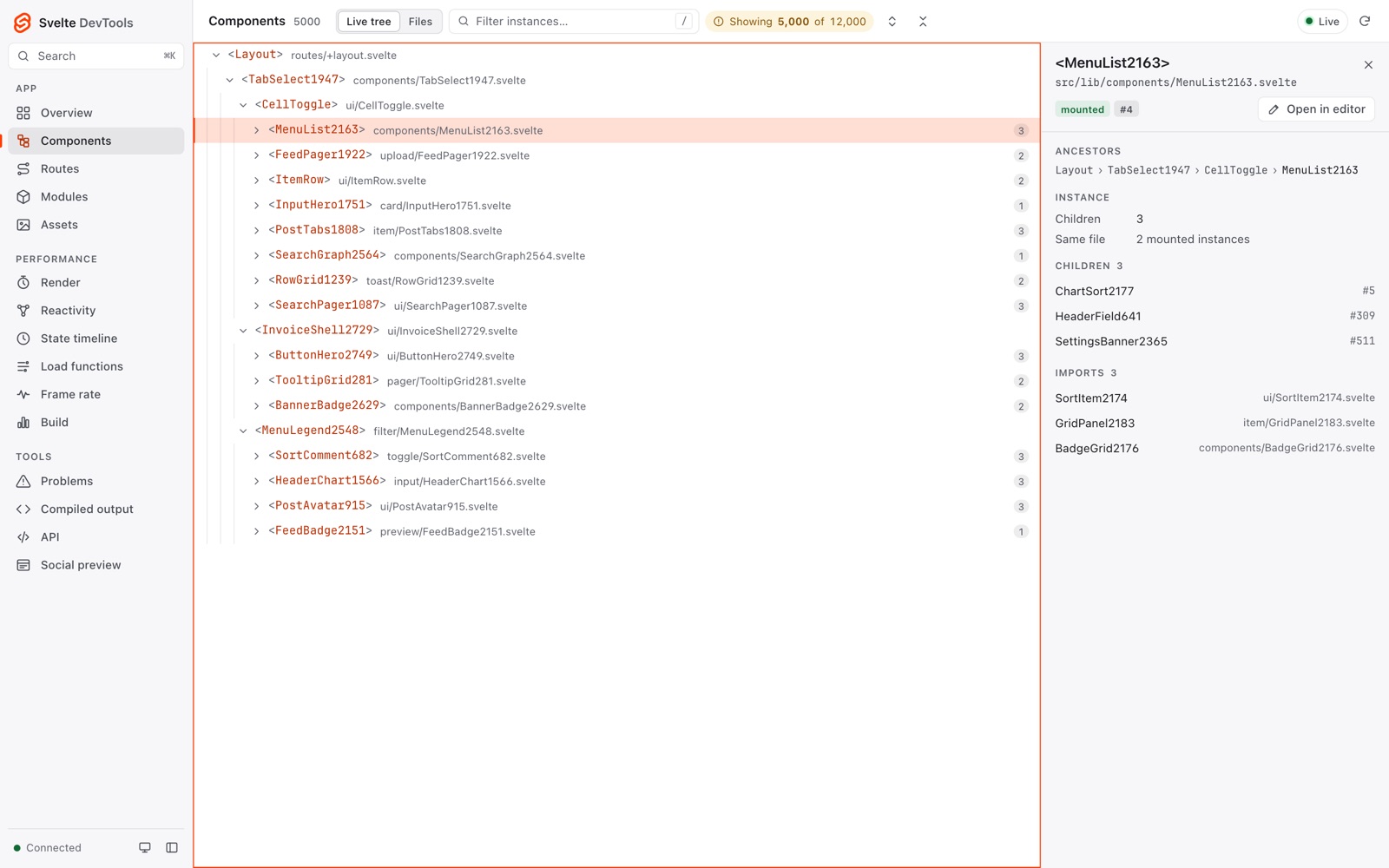
The live tree of mounted instances, virtualized for large apps, with an inspector for ancestors, children and imports.
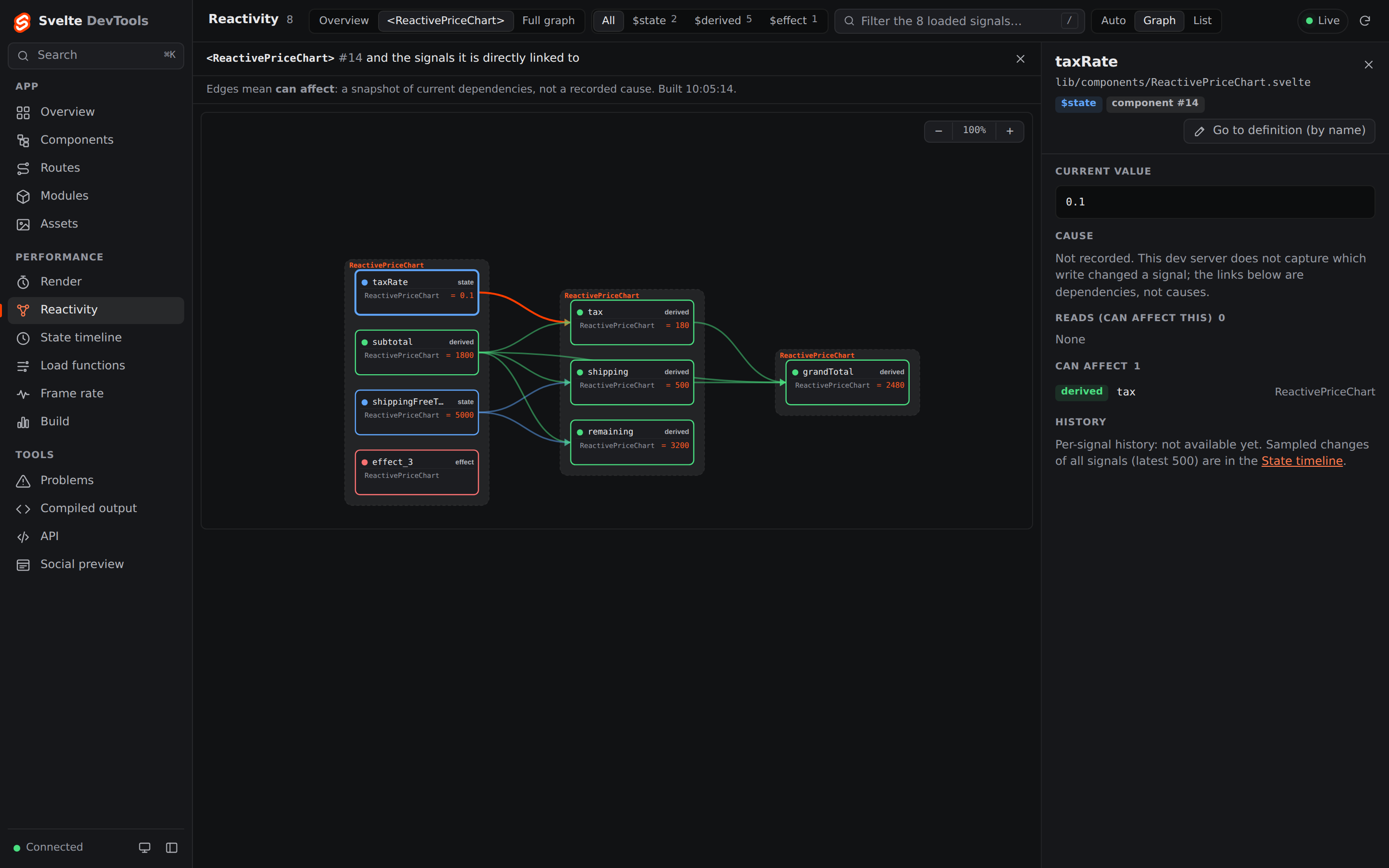
Panel detailsWhich $state, $derived and $effect connect inside one component. Edges mean “can affect”, not a recorded cause.
Panel detailsSampled $state changes, newest first, with the value before and after.
Panel detailsYour component next to the JavaScript the compiler wrote, linked line by line through the source map.
Panel detailsThe SvelteKit routes tree from your files, and how long each load function takes.
Panel detailsWhich components render most and take the longest, per instance.
Panel detailsReactivity in large apps
The overview counts sampled state changes and renders per component without building the whole graph. Pick one instance to see its signals and what can affect what.
Recent $state writes, newest first, with the value before and after. The log keeps the latest entries, not the whole session.
Dev-mock mode with synthetic data, before the reactivity update.
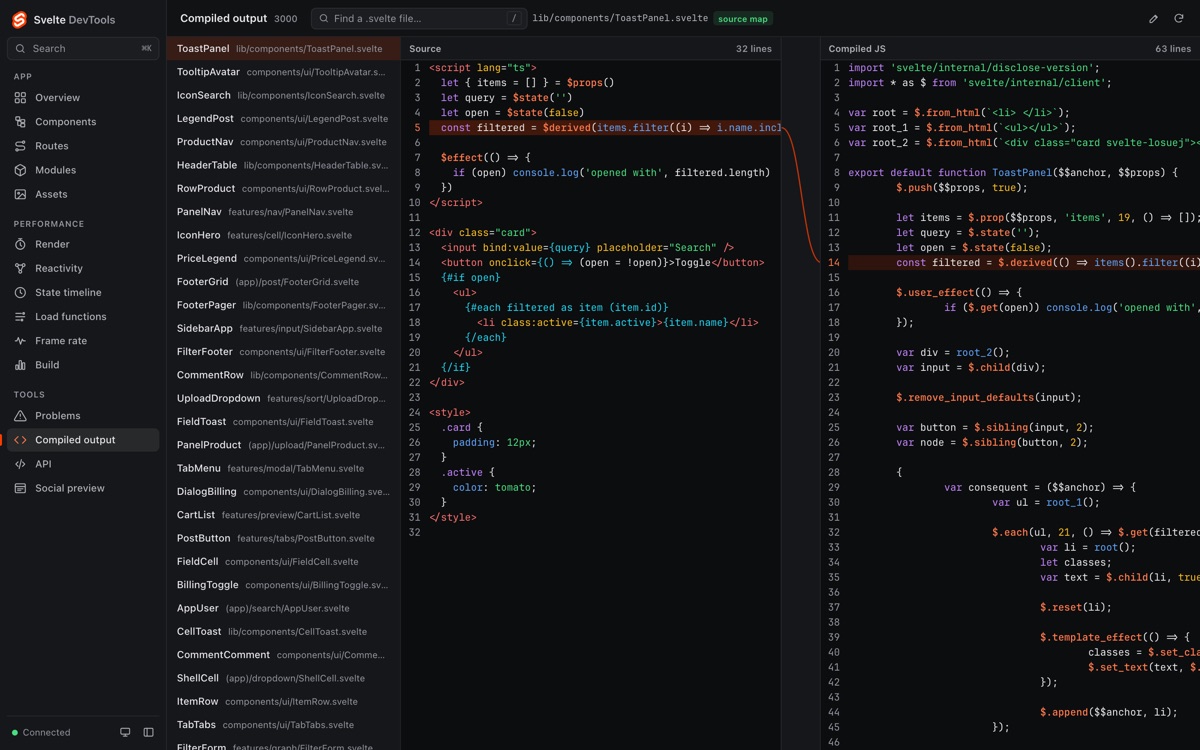
Your component next to its compiled JavaScript, linked line by line through the source map.
Dev-mock mode with synthetic data, before the reactivity update.
For AI agents
The dev server also serves an MCP endpoint with 20 read tools. Claude Code and other MCP clients get the same data as the panels, and every answer says what it covers.
Read the MCP guide$ npm run dev
…
svelte-devtools MCP ready — register with Claude Code:
claude mcp add --transport http svelte http://localhost:5173/__svelte-devtools/mcp --header x-svelte-devtools-token:<token>
Two ways to open it
Add the plugin and open /.svelte-devtools/. The first visit asks for the
one-time code printed in your terminal; after that the browser is trusted.
Install @vitejs/devtools ≥ 0.7.6 and add DevTools() to your Vite config:
the same panels open as an entry in the Vite DevTools dock.
15 panels
$state, $derived and $effect connectload functions take$state changes, newest first+server endpoints.svelte file next to its compiled JavaScriptstatic/